Free Online
Video Downloader
Paste a link, press Fetch, and download videos online for free in a few seconds. No sign-up, no app, nothing to install.
A Free Online Video Downloader That Works From the Link Alone
ClipSaves is an online video downloader that works from a link. Copy the URL of a video, paste it into the box above, press Fetch, and the video saves to your phone or computer as an MP4. It reads links from YouTube, Instagram, TikTok, X (Twitter), Facebook, Dailymotion, Vimeo, LinkedIn, Telegram, and SoundCloud, so one website covers most of the places people find videos. You get the best quality the platform has stored, and there's no account to make. People mostly use it to keep a lecture for a flight with no signal, save a Reel before it disappears, or send a clip to someone who isn't on that app. Paste the link and download the video; that's the whole job.
Here's what happens to your data, since that's usually the next question. ClipSaves doesn't ask for a name, email, or password. Each video is fetched only when you ask for it, through a secure proxy, and we don't keep copies of what you download. We do log the links that get fetched and the downloads that start, because the service needs that to run. It's all spelled out in the Privacy Policy, and none of it is sold.
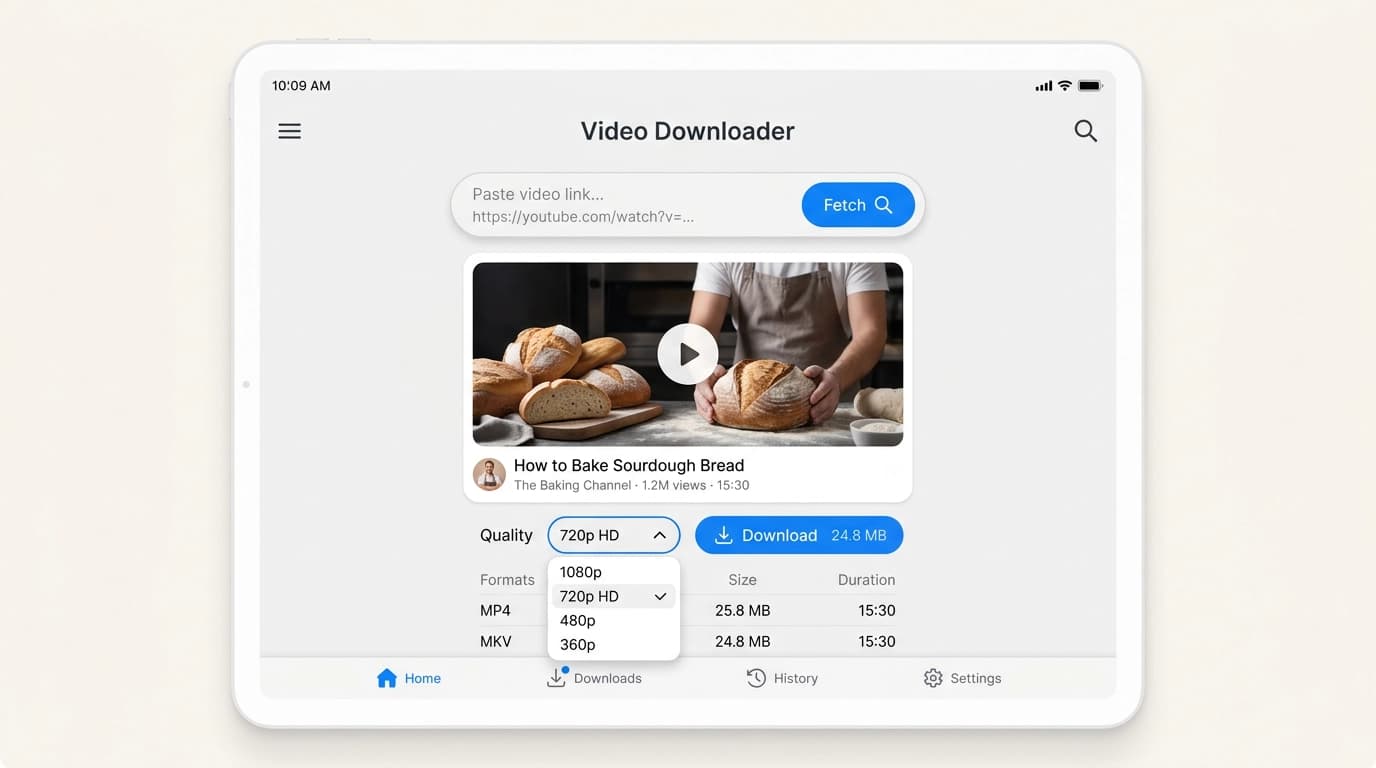
How to Download Videos Online with ClipSaves
Download any video in three simple steps. No software to install and no account needed.
Step 1: Copy the video's link
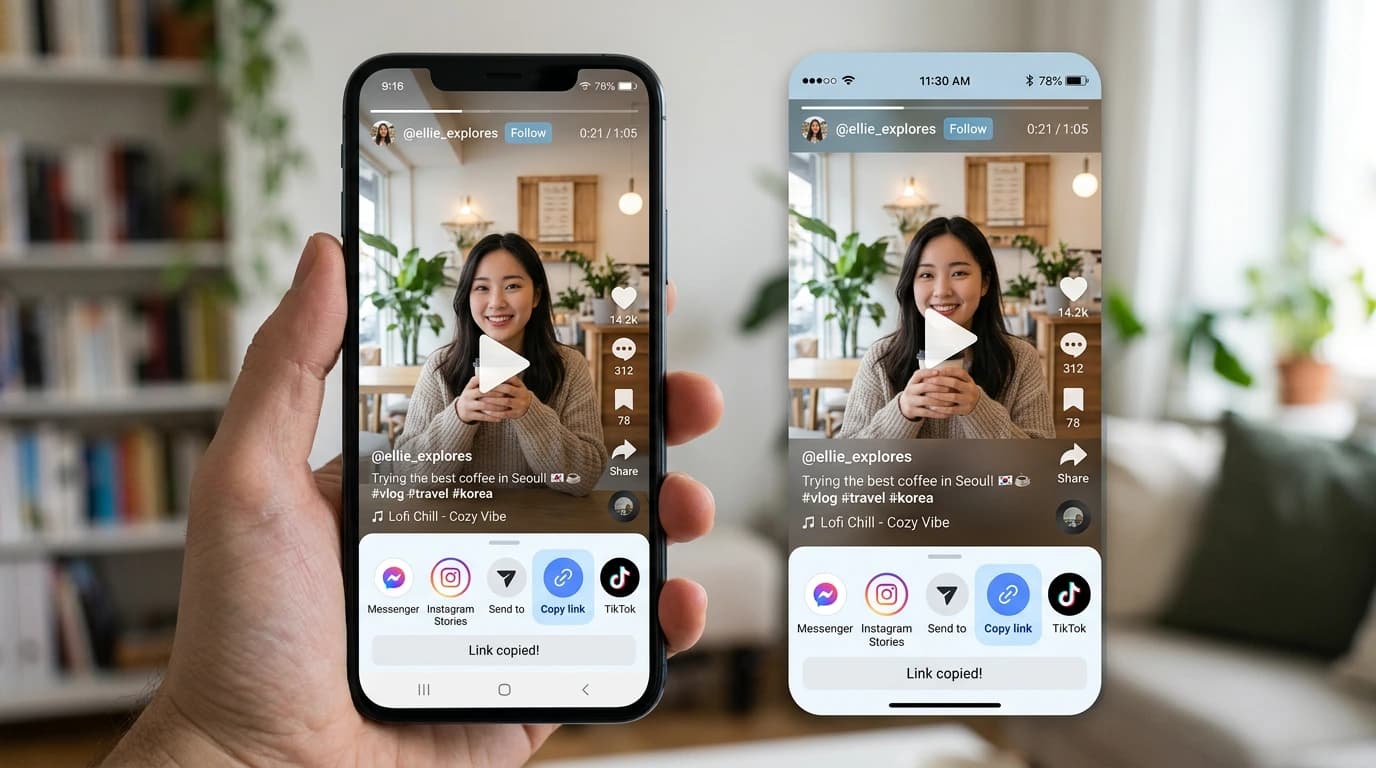
Open the video on YouTube, Instagram, TikTok, Facebook, Twitter (X), Dailymotion, Vimeo, LinkedIn or Telegram. Tap the Share button, then tap Copy link. On a computer, you can also copy the URL from your browser's address bar.
Step 2: Paste the link into ClipSaves
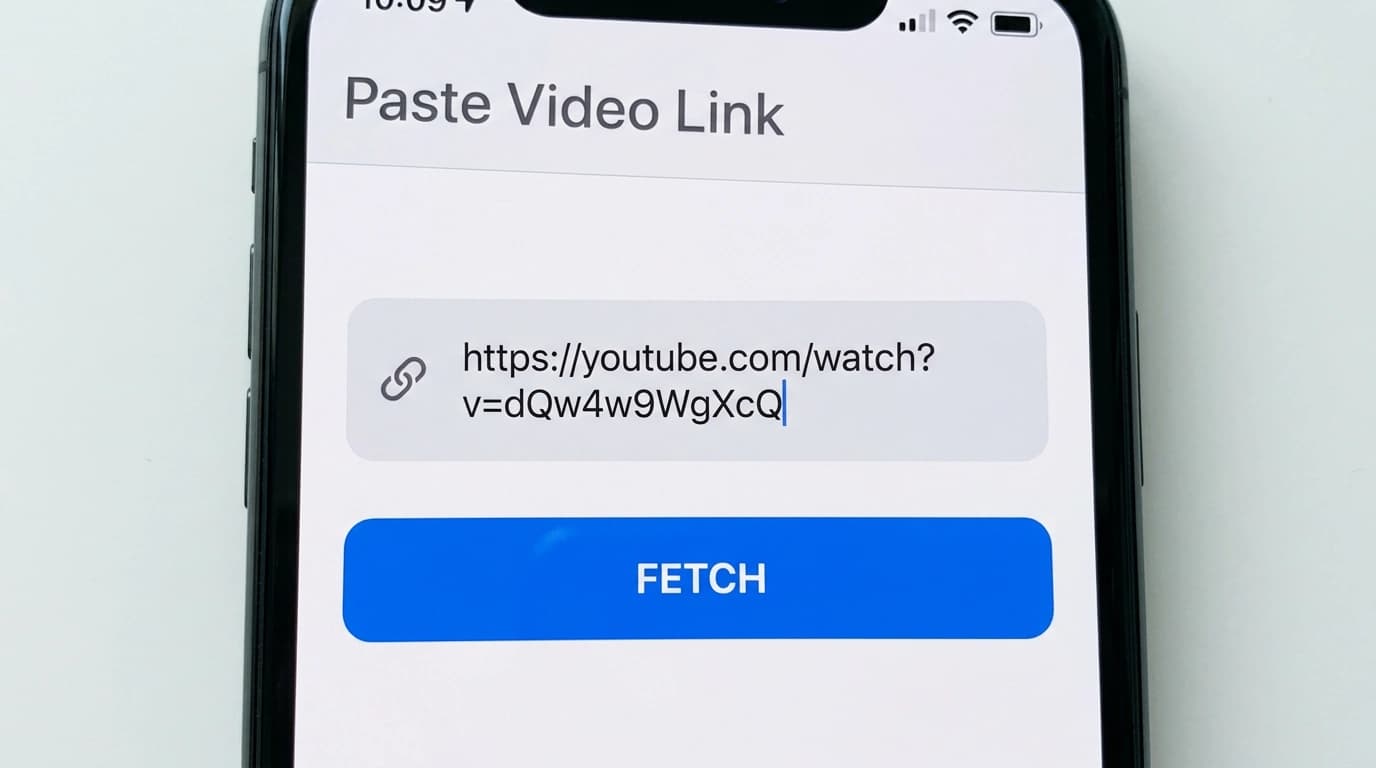
Paste the link into the box at the top of the page and press Fetch. ClipSaves checks the video and finds the best-quality MP4 available for it.
Step 3: Download and save
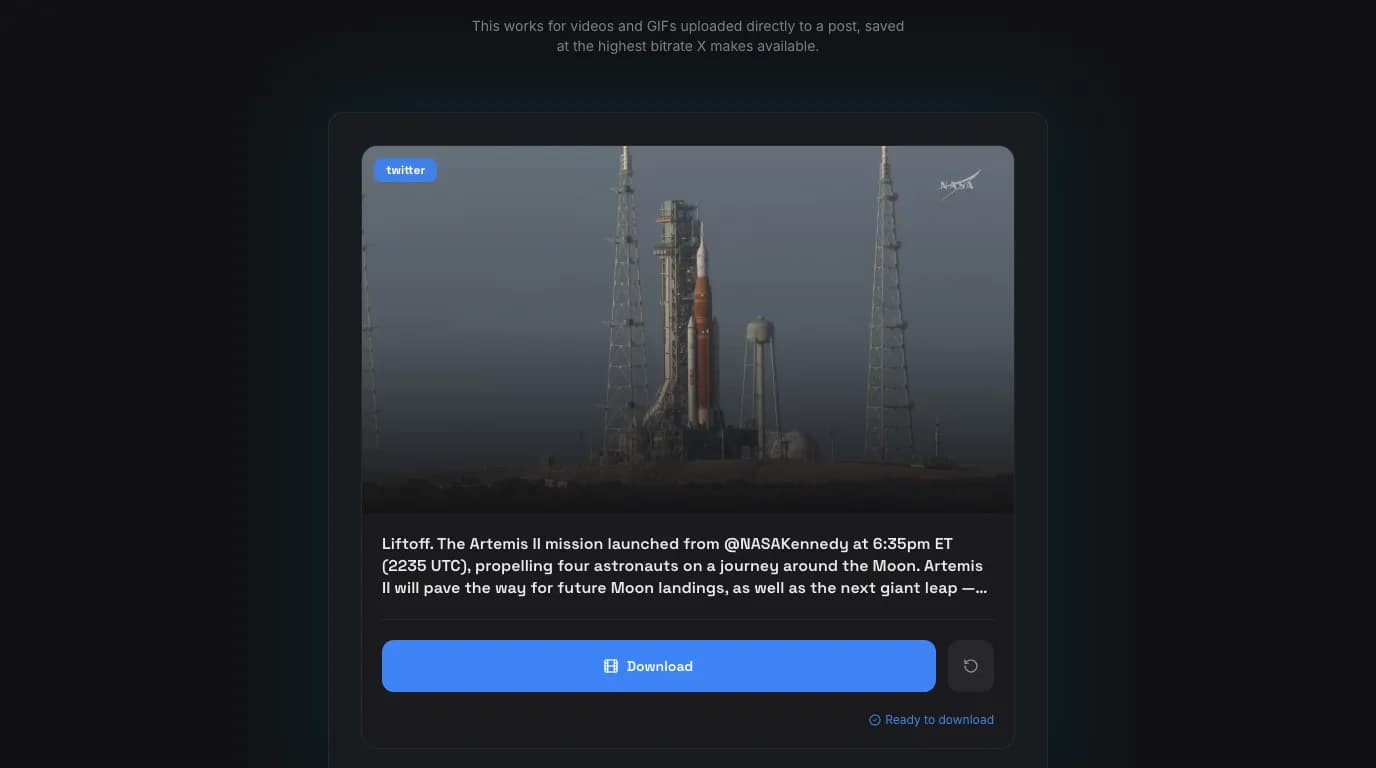
Press Download to save the MP4 to your phone or computer. ClipSaves picks the best quality the source offers, so there is nothing to choose. Private and group-only videos can't be downloaded.
Why Choose ClipSaves as Your Video Downloader?
A free video downloader built to be fast, simple and easy to use on any device.
Fast Video Downloads
Paste a link and ClipSaves fetches the video details in a few seconds, so you can start downloading without waiting around.
No Personal Details
ClipSaves never asks for your name, email, or password. You paste a link; the video is fetched, and the file is saved to your device.
Actually Free
You can download videos online for free, at the best quality the source offers. There's no plan to pick, and no payment page. The site does show ads.
Any Phone, Tablet, or Computer
It runs in Chrome, Safari, Firefox, and Edge, so there's no app to install on Android, iPhone, or desktop.
No Signup, Start Right Away
There's no email to confirm and no account to create. Paste the link and download the video straight away.
Best Quality, Chosen for You
ClipSaves checks the versions the platform stores and gives you the best one, with sound. Nothing to compare, nothing to pick.
Supported Platforms
The 10 platform cards (YouTube, Instagram, TikTok and so on) stay exactly as they are.
Quick Downloads
Fetch a video and the file is ready in seconds.
No Account Needed
Paste a link and download without signing up.
Free to Use
Download videos online for free. A quick check may appear after a few downloads.
Download guides
Step-by-step help for each platform, and fixes when a download fails.
- How to download TikTok videos
- How to download Instagram Reels
- How to download Facebook videos
- How to download a Facebook Live video
- How to download X (Twitter) videos
- Twitter (X) video not downloading? Fixes
- Where downloaded videos go on iPhone
- Save a TikTok video to your camera roll
- Is downloading social media videos legal?
Frequently Asked Questions
Everything you need to know about ClipSaves.
Is ClipSaves really free?
Is ClipSaves really free?
Yes. Downloading on ClipSaves costs nothing, and you don't need an account. The site does show ads, and a quick check may appear after a few downloads.
How do I download a video from a URL?
How do I download a video from a URL?
Copy the video's link from the app or from the browser's address bar, paste it into the box at the top of ClipSaves, and press Fetch. When the video appears, press Download and the MP4 saves to your device. For most videos, it takes a few seconds.
Which platforms does ClipSaves support?
Which platforms does ClipSaves support?
YouTube, Instagram, TikTok, X (Twitter), Facebook, Dailymotion, Vimeo, LinkedIn, Telegram, and SoundCloud. There are also dedicated tools for YouTube Shorts, Instagram Reels, Stories, and Highlights, TikTok without a watermark, when available, and Facebook Reels.
Do I need an account or an app?
Do I need an account or an app?
No to both. There's no account, no password, and nothing to install. ClipSaves runs in the browser on Android, iPhone, tablets, and computers: copy the link, paste it in, and save the file.
Is it legal to download videos with ClipSaves?
Is it legal to download videos with ClipSaves?
It depends on the video and on where you live. Saving something for personal use that you own, or have permission to save, is generally fine. Copyright laws and platform rules differ, so don't download or share content without the owner's permission. Our Disclaimer and DMCA pages explain more.
What quality will my download be?
What quality will my download be?
ClipSaves picks the best version the platform has and gives it to you as an MP4. Recent uploads usually come back in HD. Older or low-resolution videos come back at the quality the platform stored, so a 360p upload can't turn into 1080p.
Why won't my video download?
Why won't my video download?
Usually, the video is private, deleted, or limited by age or region, or the link is cut off. Check that you copied the full link and that the video is public. Platforms also change how their videos work now and then, so if a public video fails, try again later.
Recent Downloads
No recent downloads yet
Every ClipSaves tool
Pick your platform, then the exact format. Each downloader is free and works in the browser.