How to Download Facebook Reels to Your Phone
Save Facebook Reels directly to your camera roll here is the simple, free way to do it on iPhone or Android.
Facebook Reels have become a genuine part of how people discover short form video, especially for anyone still active on Facebook rather than having fully shifted to Instagram or TikTok. If you've come across one worth keeping, here is exactly how to get it onto your phone.
Facebook's Save button doesn't download anything
Facebook's "Save" feature bookmarks a Reel inside your Facebook account. It doesn't put a file in your phone's photo library. That is a meaningful distinction: a saved Reel through Facebook's own tool disappears the moment you're not using the Facebook app, whereas a downloaded file lives independently on your phone, viewable offline, shareable through any app, and safe even if you ever lose access to your Facebook account.
Step by step: downloading a Facebook Reel on iPhone
- Open the Reel in the Facebook app.
- Tap the Share icon below the video.
- Select Copy Link.
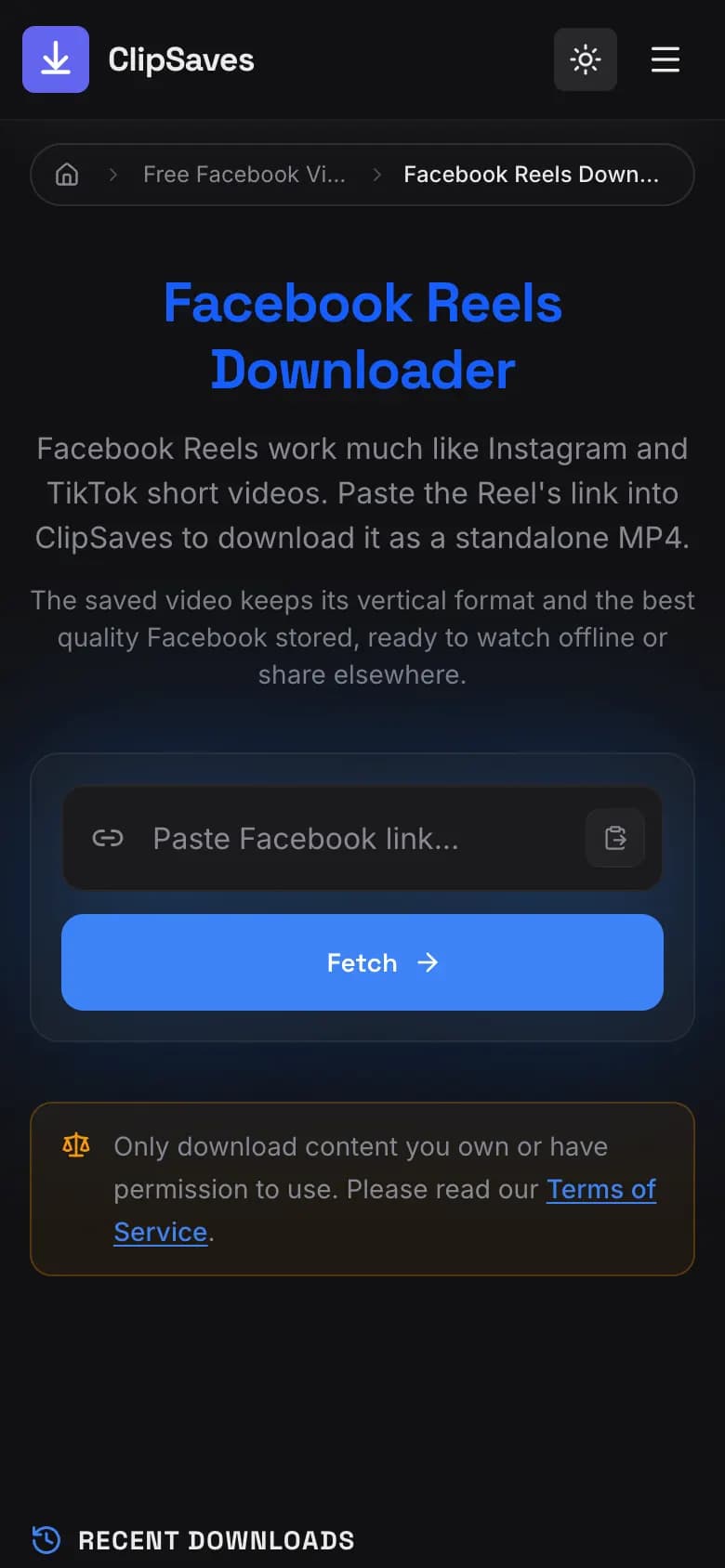
- Open Safari (or any browser) and go to ClipSaves' Facebook Reels Downloader.
- Paste the link and tap download.
- Safari saves the MP4 to the Downloads folder in the Files app. To put it in Photos, open it there, tap Share, then Save Video. See where downloaded videos go on iPhone.
Step by step: downloading a Facebook Reel on Android
The process is virtually identical:
- Tap Share on the Reel, then Copy Link.
- Open your browser and go to the Facebook Reels Downloader tool.
- Paste the link and download.
- The file saves to your Downloads folder from there, you can move it into your Gallery app if you want it stored alongside your other photos and videos.
What if the Reel is from a private group?
Downloader tools, including ClipSaves, can only access content that is publicly visible without logging in. If a Reel was posted inside a private Facebook group or a profile with restricted visibility, it won't be accessible through a downloader tool this is Facebook's privacy system working as intended, protecting content the poster didn't intend to be publicly available.
Common issues and how to fix them
The download fails immediately: Double check that you copied the link to the Reel itself, not to the Facebook homepage or a general profile page. Sometimes the share menu can behave slightly differently depending on whether you're viewing the Reel from your main feed versus the dedicated Reels tab.
The video downloads but won't play: This is rare, but if it happens, try re downloading an interrupted connection during the download can occasionally result in an incomplete file.
You only have a screenshot of the Reel, not the actual link: Unfortunately, a screenshot alone won't work you need the actual share link from within the Facebook app to locate and download the video itself.
A quick note on reposting
If your plan is to download a Reel in order to repost it elsewhere, it is worth pausing to consider whether that is something the original creator would be comfortable with. Downloading for personal viewing is one thing republishing someone else's content as if it were your own, or without credit, can create real problems both in terms of platform rules and basic content etiquette. If you have permission, crediting the original creator when you repost is generally the right move regardless of which platform you're posting on.
Once you know the steps, downloading a Facebook Reel takes under a minute copy the link, paste it into a downloader tool, and save the file directly to your phone, no extra apps required.
Downloading Reels from a Facebook Page vs. a personal profile
The process is identical whether the Reel was posted by a personal profile or a Facebook Page (a business or creator account) both generate the same kind of shareable link, and as long as the content is publicly visible, the download steps don't change. The one difference worth noting is that Pages are far more likely to be fully public by default, since most businesses and creators want maximum visibility, while personal profiles vary much more in their privacy settings.
What to do if the Share button seems to be missing
Occasionally, Facebook's interface shifts slightly depending on your app version, and the Share icon can appear in a marginally different spot sometimes below the video, sometimes accessible only after tapping the video once to bring up playback controls. If you don't see it immediately, tapping directly on the video itself usually reveals the full set of controls, including Share.
Saving a batch of Reels from the same creator
If you've found a creator whose Reels you want to save regularly, there isn't a way to auto download every new Reel they post each one still needs to be downloaded individually using its own link. For creators you follow closely, some people find it easier to keep a running list of links throughout the week and batch download several at once, rather than downloading one at a time as they're posted.
Frequently Asked Questions
Ready to download?
Try the Facebook Reels Downloader. Free, fast, no sign-up.
Open the Facebook Reels Downloader