Vimeo
MP4 · HD
Free Vimeo Video Downloader
Download Vimeo Videos in HD
Paste a Vimeo page or player URL. We resolve the video so you can download in the best available quality.
Downloading any copyrighted materials is strictly prohibited, please read our Terms of Service.
Recent Downloads
No recent downloads yet
Vimeo Video Downloader for Creators and Viewers
Vimeo is known for high-quality creative work, tutorials, and professional footage. ClipSave helps you save public Vimeo videos you are allowed to download—paste a standard vimeo.com/VIDEO_ID link or a player.vimeo.com embed URL, then use Fetch to load previews and download options.
Everything happens in your browser. There is no software to install and no account required on our side. Use downloads responsibly: respect Vimeo's terms, the uploader's license, and copyright law. Many Vimeo videos are rights-managed; only download when you have permission or the content is clearly free to save.
Supported Vimeo URL Shapes
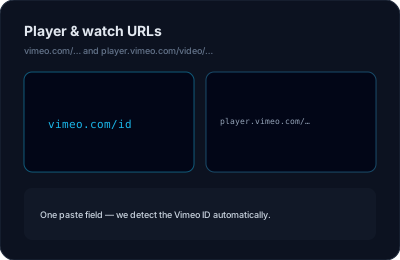
Common patterns include vimeo.com/123456789 and links that include channels or showcases before the numeric ID. Player embed URLs (player.vimeo.com/video/ID) are also recognized.
Password-protected, private, or purchase-gated videos cannot be fetched without proper access. If fetch fails, the video may require login on Vimeo itself.
Quality You Can Choose
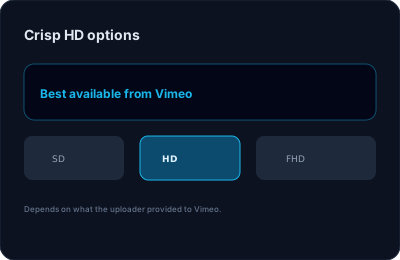
When the source offers multiple renditions, we aim to list them so you can prefer a smaller file or the sharpest stream. Exact options vary per upload and Vimeo's encoding settings.
Output is usually MP4 for broad compatibility with QuickTime, VLC, and mobile gallery apps.
Why Use ClipSave for Vimeo?
Fast setup, clear UI, and the same animated, modern experience as our other platform pages. Your link is processed on demand; we focus on privacy and a friction-free workflow.
Explore the blog posts below for broader advice on downloading ethically and troubleshooting common issues.
Learn More
Explore our blog for guides, tips, and tutorials.
View all blog posts →