Free Dailymotion Video Downloader
Download Dailymotion Videos in Seconds
Paste any Dailymotion link below. We fetch the stream so you can save MP4 — free, in your browser.
Downloading any copyrighted materials is strictly prohibited, please read our Terms of Service.
Recent Downloads
No recent downloads yet
Free Dailymotion Video Downloader
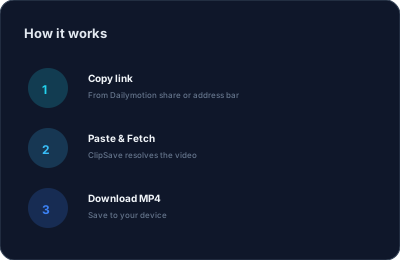
Dailymotion hosts news clips, music, sports, and creator content from around the world. When you want to watch offline or keep a copy for personal use, ClipSave gives you a simple path: copy the video URL from Dailymotion (including short dai.ly links), paste it here, and tap Fetch.
Our Dailymotion downloader runs in the browser—no desktop app or browser extension required. We request metadata and a downloadable stream on your behalf, then you choose when to save the file. We do not host your videos; processing is on-demand.
Always respect copyright and Dailymotion's terms. Download only content you have the right to save, and use files for personal offline viewing unless you have explicit permission otherwise.
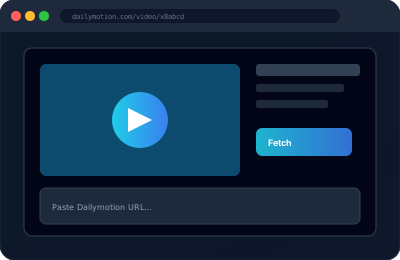
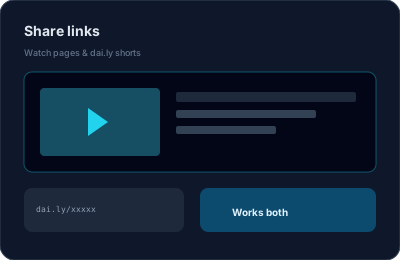
Works with dailymotion.com and dai.ly Links
Standard watch pages use URLs like dailymotion.com/video/VIDEO_ID. Share menus and mobile apps often produce shortened dai.ly links—both formats work with ClipSave as long as the video is public and not restricted.
If a video is geo-blocked, private, or removed, fetch may fail. Double-check the link in your browser first, then try again.
Quality and Format
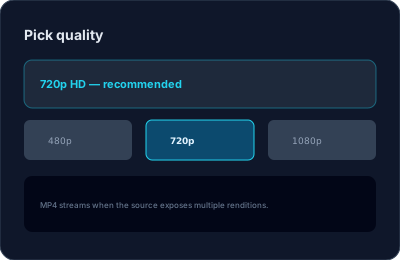
Available quality depends on what Dailymotion exposes for each upload. When multiple options exist, we surface them so you can pick a balance between file size and sharpness—similar to our other platform downloaders.
Files are typically MP4, which plays on phones, tablets, and desktops without extra codecs.
Privacy and Speed
ClipSave is built for speed: most links resolve in a few seconds on a good connection. We do not require an account, and we do not track what you download for advertising.
For more tips on safe downloading and choosing tools, browse our blog guides linked below.
Learn More
Explore our blog for guides, tips, and tutorials.
View all blog posts →