Best Free Video Downloaders 2026: YouTube, TikTok, Instagram & More
Compare the top free video downloaders for 2026. No software, no sign-up. Find the right tool for your needs.
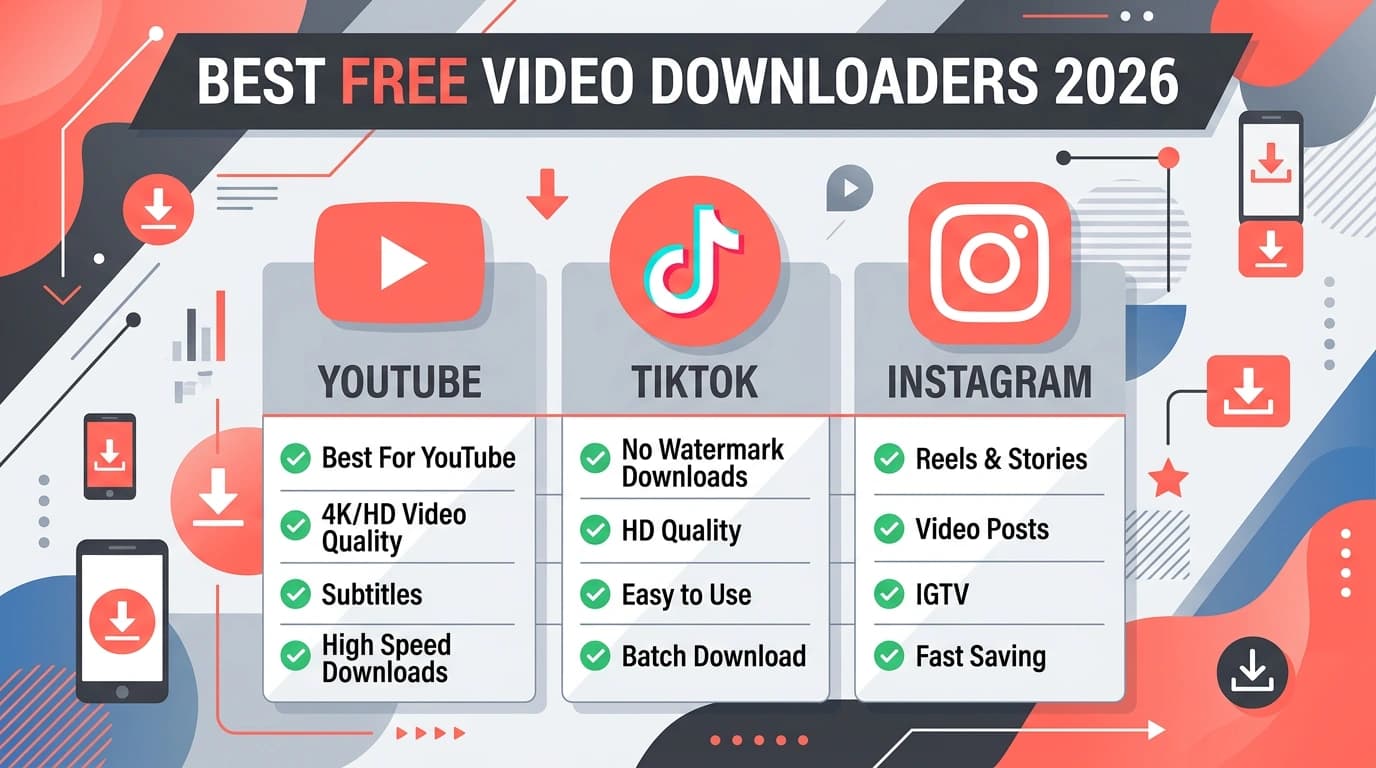
What to Look for in a Video Downloader
The best free video downloaders share a few traits: they work in the browser (no software to install), support multiple platforms, offer quality choices, and respect your privacy. In 2026, users expect speed, simplicity, and no hidden paywalls. Here's what we recommend and why.
According to Statista, online video consumption continues to grow. Tools that let you save videos for offline viewing remain in demand. The key is finding one that's reliable, safe, and free.
ClipSave: Best All-in-One Downloader
ClipSave supports YouTube, TikTok, Instagram, Twitter/X, and Facebook in one place. No sign-up, no software, no daily limits. Paste a link, choose quality, and download. We fetch videos without watermarks (where applicable) and don't store your downloads on our servers.
Best for: Users who download from multiple platforms and want a single, consistent tool. Try our YouTube downloader, TikTok downloader, or Instagram downloader for platform-specific pages.
Platform-Specific Considerations
YouTube Downloaders
YouTube is the largest video platform. A good downloader supports standard videos, Shorts, and youtu.be links. Quality options (360p, 720p, 1080p) matter. Our guide on how to download YouTube videos covers the full process.
TikTok Downloaders
TikTok's native save adds a watermark. The best TikTok downloaders fetch the original file. Look for one that supports tiktok.com, vm.tiktok.com, and vt.tiktok.com links. See how to download TikTok videos for details.
Instagram Downloaders
Instagram Reels and video posts can be downloaded. Avoid tools that add watermarks. Our Instagram Reels guide explains how to get clean files.
No-Software Downloaders: Why They're Better
Installing desktop software can be risky—some bundles adware or worse. Web-based downloaders run in your browser. You visit a site, paste a link, and download. No installation, no system access. Our article on downloading videos without software goes deeper.
Wikipedia's list of video downloaders provides context on the landscape, though it focuses on software. For 2026, we recommend sticking to trusted web tools when possible.
Privacy and Safety
The best downloaders don't require an account. They don't store your downloads or track what you save. Files are streamed to you on-demand. Avoid tools that ask for excessive permissions or seem to collect unnecessary data.
Quality and Format
Most downloaders offer MP4 output. Quality depends on what the source platform provides. We show all available options (SD, HD, FHD) so you can choose. Some videos max out at 720p; others offer 1080p or higher.
Our Recommendations Summary
- ClipSave – Best for multi-platform, no sign-up, watermark-free when possible.
- YouTube-focused – Use our YouTube page for dedicated YouTube downloads.
- TikTok-focused – Use our TikTok page for watermark-free TikTok saves.
- Instagram-focused – Use our Instagram page for Reels and posts.
For step-by-step help, browse our blogs for platform-specific guides.
What Makes a Downloader "Best" in 2026?
Speed, reliability, privacy, and ease of use. A good downloader fetches videos quickly, works consistently when platforms update, doesn't track or store your data, and requires no sign-up or software. ClipSave meets all of these. We've built our service to be the go-to tool for users who want a single place to download from YouTube, TikTok, Instagram, Twitter, and Facebook.
Comparing Web vs Desktop vs Extension
Web-based tools run in your browser—no install, works everywhere. Desktop software can offer batch downloads and advanced options but requires installation. Extensions are convenient but can break or have privacy concerns. For most users, a trusted web downloader is the safest and simplest choice. See our full analysis in download videos without software.
Frequently Asked Questions
Ready to download?
Use ClipSave to save videos from YouTube, TikTok, Instagram, Twitter, and Facebook. Free, fast, no sign-up.
Start downloading