Twitter Video Downloader
Download Twitter (X) Videos & GIFs Free
Paste any Twitter/X tweet link below. Save high-quality MP4s instantly — free, secure, and no sign-up.
Downloading any copyrighted materials is strictly prohibited, please read our Terms of Service.
Recent Downloads
No recent downloads yet
Twitter Video Downloader – Download X Videos Free in HD
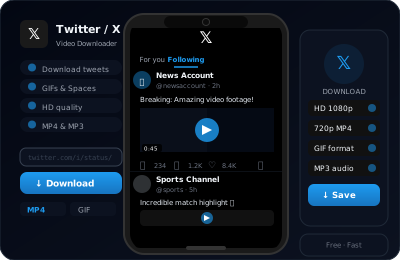
is a fast and reliable Twitter video downloader that helps you download Twitter videos, GIFs, and clips from Twitter/X in seconds. Just paste the tweet link and instantly download video from Twitter in high-quality MP4 format — no app, no extension, nothing to install.
It works as a Twitter to MP4 converter and supports Twitter GIF download and Twitter video to MP4 conversion as well. The tool is fully browser-based, works on all devices, and delivers clean output every time — fast performance, no watermark, and no complications.
How to Download Twitter / X Videos
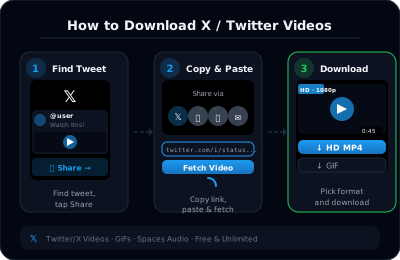
1. Copy Tweet Link: Open Twitter or X and copy the URL of the tweet containing the video or GIF you want to save.
2. Paste the URL. Come to Clipsave and paste the copied link into the input box at the top of the page.
3. Click 'Download'. Hit the download button and let the tool fetch available formats for your Twitter video download or download Twitter GIF request.
4. Save Video Choose your preferred quality — HD or standard — and save the video directly to your device.
Best Quality Video on Every Device
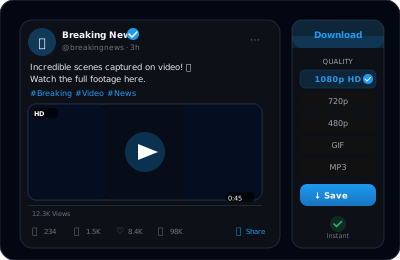
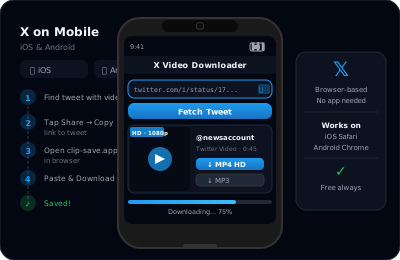
No matter what device you are on, the quality stays consistent. Whether you are downloading on Android, iPhone, Windows, or Mac — every Twitter video download HD is processed in original resolution with no compression and no quality loss.
The file lands on your device as a clean MP4, compatible with every media player without extra software. Open Clipsave in your mobile browser or on desktop — the speed and experience are identical every time.
Why Clipsave is the Only Twitter Video Downloader You Need
Most Twitter Video Downloader tools online are slow, full of ads, or stop working after every platform update. Clipsave is built differently — completely free, no sign-up, no registration, and no hidden charges.
It works with both twitter.com and x.com links, so whether you want to download Twitter video, save Twitter video, download X video, or use it as an X video downloader – it handles everything without friction. No apps, no login, no complications — just paste the link and download instantly.
Learn More
Explore our blog for guides, tips, and tutorials.