How to Download Videos Without Software (Browser-Only Guide)
January 19, 2026
Why Avoid Video Download Software?
Desktop video downloaders often require installation, system permissions, and updates. Some bundle adware, toolbars, or other unwanted software. According to security research, downloading software from untrusted sources is a common malware vector.
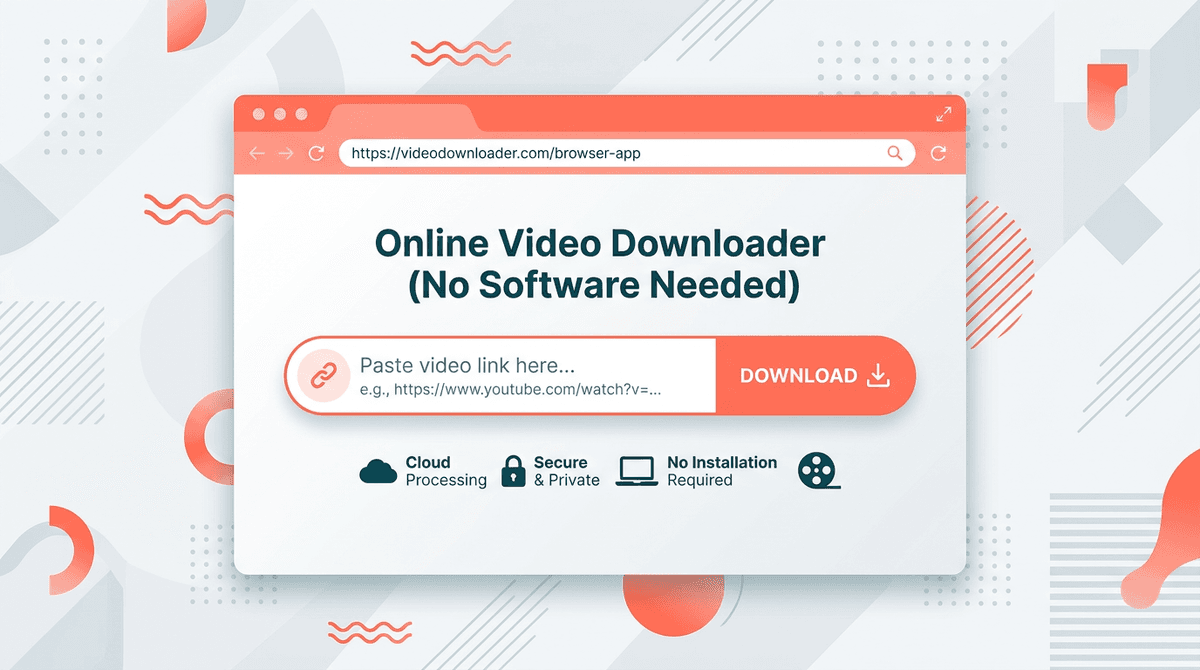
Browser-based downloaders eliminate these risks. You visit a website, paste a video link, and download. No installation, no admin rights, no ongoing software to maintain. Your browser's sandbox keeps the process isolated. It's the same approach we use at ClipSave—everything runs in the browser.
How Browser-Based Downloaders Work
When you paste a video URL, the service fetches the video metadata and stream URLs from the source platform. It then streams the file to you or provides a direct download link. The actual video never sits on our servers long-term; it's passed through to your device. This keeps things fast and private.
YouTube, TikTok, Instagram, and other platforms serve video via URLs. Authorized tools can access these for legitimate download use. The key is using a reputable service that doesn't store or misuse your data.
Step-by-Step: Download Without Software
1. Copy the Video Link
Open the platform (YouTube, TikTok, Instagram, etc.) and find the video. Use the Share button and select Copy link. You'll get a URL like youtube.com/watch?v=... or tiktok.com/@user/video/....
2. Open a Web-Based Downloader
Go to ClipSave (or another trusted browser-based tool). No sign-up or install required. The site loads in your current browser tab.
3. Paste and Fetch
Paste the link into the input field. Click Fetch (or equivalent). The tool will retrieve the video and show available qualities.
4. Choose Quality and Download
Select your preferred quality (SD, HD, FHD) and click Download. The file will save to your device's default download location. On mobile, it may go to Files or Downloads.
That's it. No software was installed. The entire process happened in your browser. For platform-specific guides, see how to download YouTube videos and how to download TikTok videos.
Works on Any Device
Because browser-based downloaders are websites, they work on any device with a browser: Windows, Mac, Linux, iPhone, Android, iPad. You don't need a different app for each platform. One site handles YouTube, TikTok, Instagram, Twitter, and Facebook. Visit our homepage to get started.
Security Benefits
- No installation – Nothing is installed on your system. - No admin rights – The browser runs in user space. - Sandboxed – Modern browsers isolate web content. - No persistent access – The site can't run in the background when you're not using it.
The Mozilla Foundation and other browser vendors emphasize security as a core principle. Using web-based tools aligns with that approach.
When Software Might Make Sense
Some users prefer desktop apps for batch downloads, scheduling, or integration with other tools. For most people, though, a quick one-off download is better served by a web tool. If you only need to save a few videos now and then, skip the software and use a browser-based downloader.
For a full comparison of options, read our best free video downloaders 2026 article.
Common Misconceptions
Some users think you need special software or a paid service. You don't. A browser and a reliable web-based downloader are enough. Others worry about viruses—legitimate web tools don't require downloads, so there's nothing to infect your system. And no, you don't need a VPN for most downloads unless the content is region-locked in your area.
When to Use a Downloader
Traveling with limited connectivity. Commuting on a train or bus with spotty signal. Saving educational content for a course. Archiving your own creations. Building a collection of favorites. All of these are valid use cases. As long as you respect copyright and use downloads for personal purposes, browser-based downloaders are a practical solution for modern video consumption.
Frequently Asked Questions
Ready to download?
Use ClipSave to save videos from YouTube, TikTok, Instagram, Twitter, and Facebook. Free, fast, no sign-up.
Start downloading →